
How far is the patio from the house?
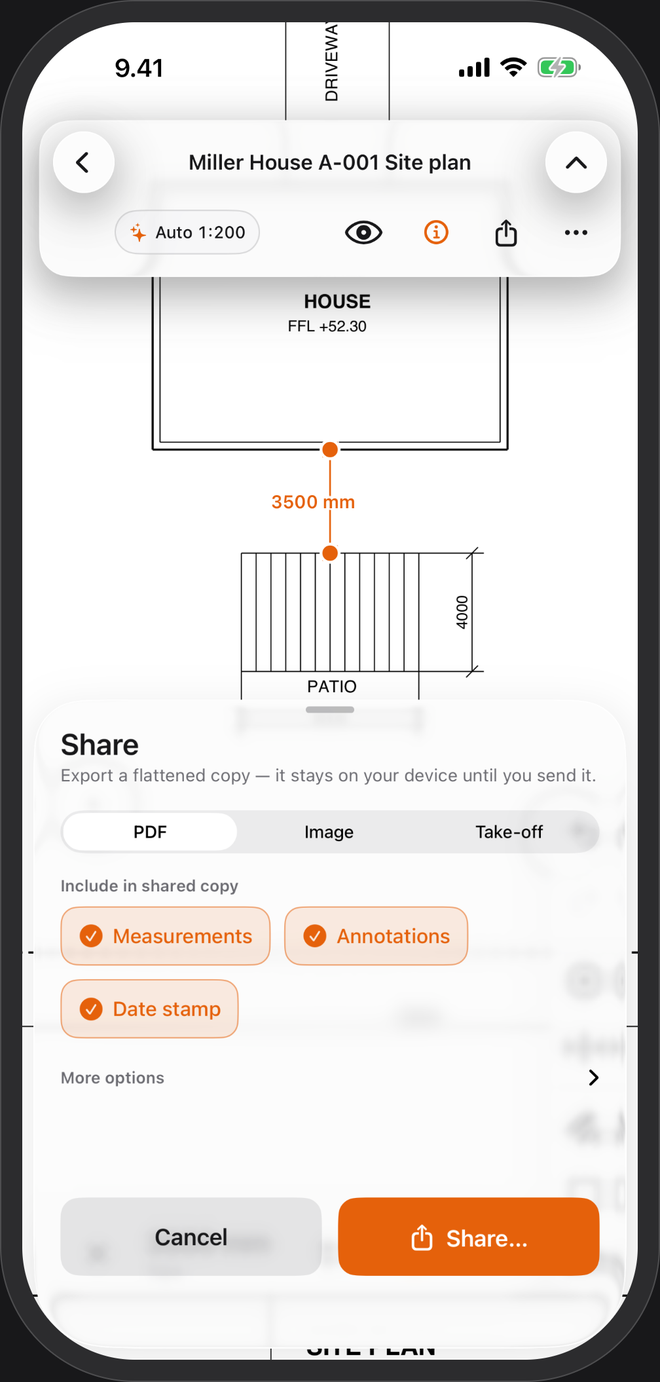
A site plan prints the plot and the house, and not much in between. PlanTape reads the plan's scale from the dimensions printed on it, then measures any distance, run or area on the plot.
No account · No cloud · Works offline · iPhone, iOS 26+
What people measure on a site plan
The gap nobody dimensioned
House to boundary, patio to house, the width of the driveway. Tap the two ends and read the distance.
Fence and hedge runs
Use Chain along the boundary: every segment labelled, with the total, for posts, panels or plants.
Paving, lawn and the plot
Trace an area in square metres or square feet, with its perimeter and every side length. Odd shape follows angled boundaries.
Mark it and send it
An arrow at the gate, a note on the tree that stays, then one PDF to the landscaper or fence builder. Mark up plans →
Site plan scales
Site plans are usually drawn at 1:200 or 1:500; US site plans at 1″ = 20′ (1:240), 1″ = 30′ (1:360) or 1″ = 50′ (1:600). On a CAD-exported PDF, PlanTape reads the scale from the printed dimensions as the plan opens, even when the dimension lines run at an angle to the sheet. Otherwise pick 1:200 or 1:500, type any other ratio, or trace a dimension you know. More on drawing scales →
A site plan is a drawing, not a survey. For boundaries, setbacks and anything a permit depends on, the surveyor's numbers win.
Questions
Can it show hectares or acres?
Areas read in square metres or square feet. A hectare is 10,000 m²; an acre is 43,560 ft².
What about a curved boundary or path?
Use Odd shape or Chain and place points along the curve. More points follow it more closely.
The site plan is in the same PDF as the floor plans. Is that a problem?
No. Every page keeps its own scale, so the 1:200 site plan and the 1:50 floor plans measure right side by side.
What if the plan is scanned?
It opens. Set the scale by tracing a length you know, then measure freely. Snapping to corners and line ends needs a vector PDF, the kind exported from CAD.